✓
Record debts offline
Save a new customer debt locally even when the internet is unavailable.
Debt records that can survive a phone change
Zarah stores records on your phone for daily work and syncs them to your account. If a phone is lost, damaged or replaced, sign in on a new device to restore the records that reached the cloud.
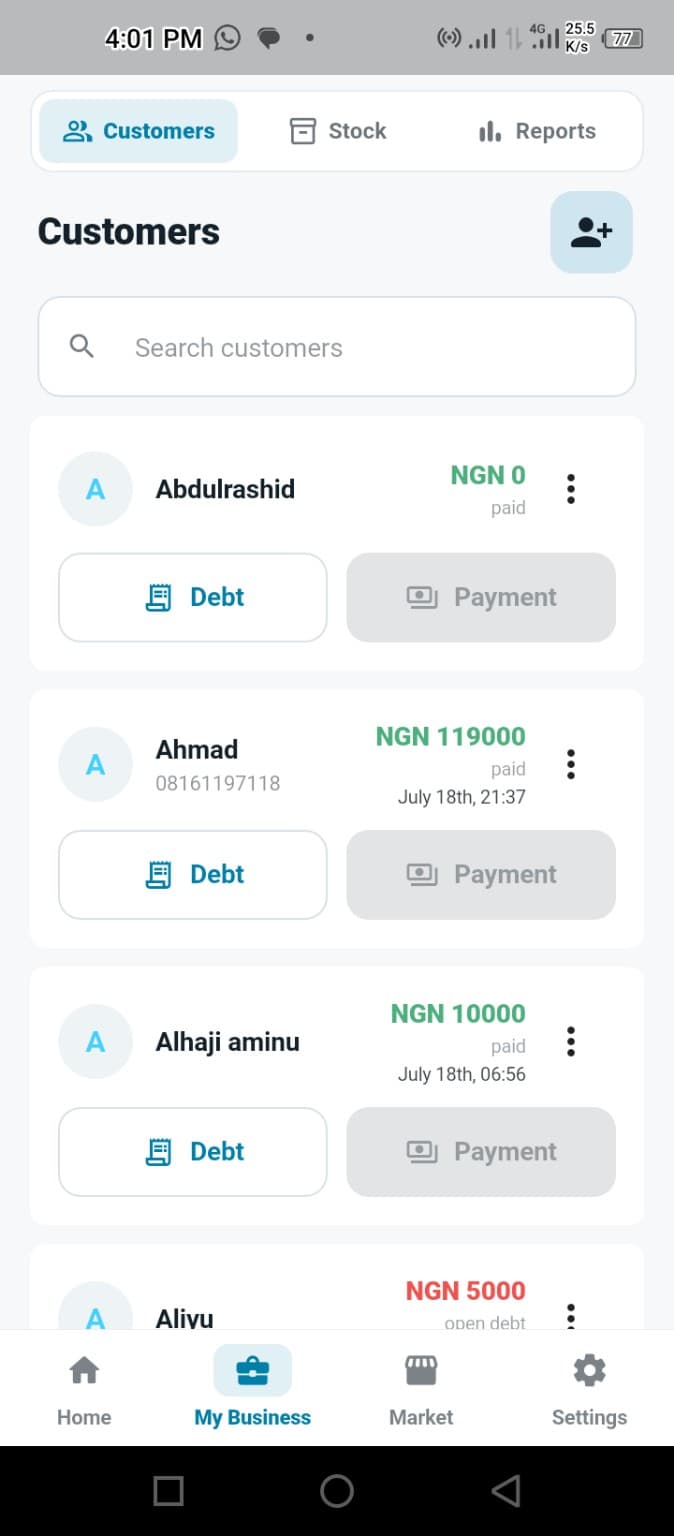
Built for practical daily use
Local recording and cloud sync work together so a temporary connection problem does not stop the business.
Save a new customer debt locally even when the internet is unavailable.
Pending records are sent to the cloud when the app can connect again.
Sign in on another device and restore synced business records from the cloud.
Keep each payment and the amount that remains connected to the customer.
Open a prepared debt reminder for a customer whose phone number is saved.
See debts and payments without relying on one notebook or memory.
Made for Nigerian small businesses
Every business that has tracked debts in a notebook knows the concern: if the record disappears, proving each balance becomes difficult.
Zarah queues offline changes and syncs them when a connection is available. Recovery on a new phone uses the most recently synced cloud records, so owners should allow pending changes to sync regularly.
Common questions
Install Zarah on the replacement phone and sign in to restore records that were successfully synced to your account.
No. The debt can be saved locally and queued for sync. Internet is required before that new record can be backed up to the cloud.
Sign in with the same account. Zarah restores the business data available in your cloud backup.
Request closed-testing access through WhatsApp using your Google Play email.
Request Testing Access